
Summarise this article with:
Every email you send carries more than your words. The headers reveal your mail server IP address, your timezone offset, your email client, and sometimes your real device IP. The body can hide a 1x1 tracking pixel that phones home the moment you open it.
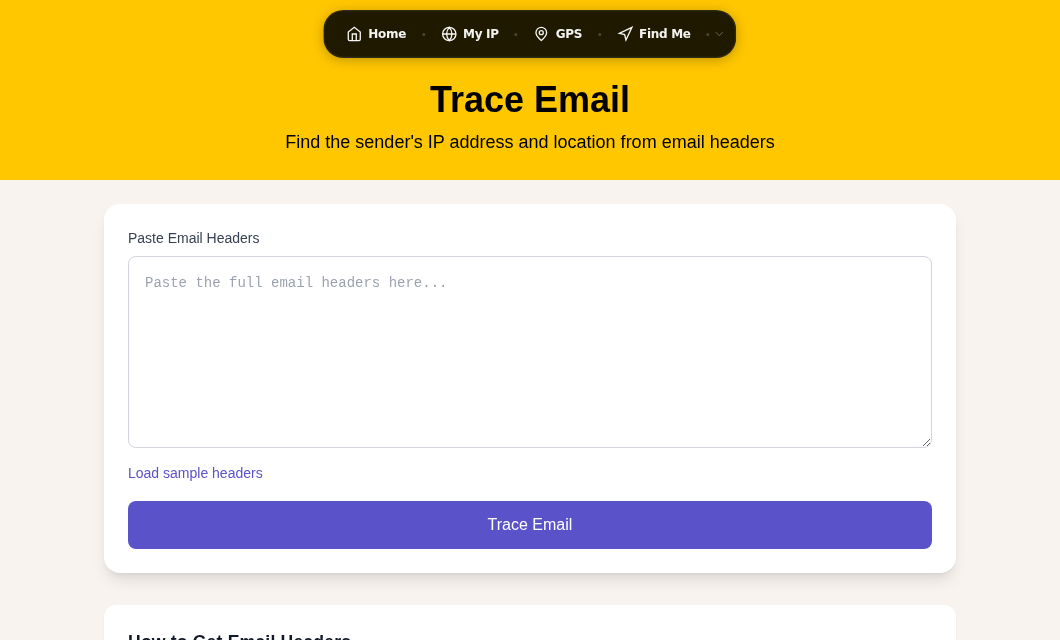
Most people never see any of this. This guide walks through a real header, shows what each field leaks, covers what tracking pixels capture, and lays out what you can actually do about it.
Reading a Real Email Header
Every email client lets you view the raw headers. Here is what a typical outgoing message looks like:
Received: from mail.example.com (mail.example.com [203.0.113.42])
         by mx.recipient.com with ESMTPS
         id abc123; Thu, 01 Jul 2026 09:14:22 +0000

From: Alice Smith [email protected]
To: [email protected]
Subject: Project Update
Date: Thu, 01 Jul 2026 11:14:18 +0200
Message-ID: [email protected]
X-Mailer: Microsoft Outlook 16.0.17628
X-Originating-IP: 203.0.113.42
Each line tells a story.
What Each Header Reveals
| Header | What It Exposes |
|---|---|
Received: from | IP address of your outgoing mail server |
Date with offset | Your local timezone (e.g., +0200 = Central European Summer Time) |
X-Mailer / User-Agent | Your email client name and version number |
Message-ID domain | Your mail server hostname, often revealing your ISP or employer |
X-Originating-IP | Your actual device or network IP if your provider inserts this field |
How to view headers in your client:
- Gmail: Open the email, click the three-dot menu next to Reply, select "Show original"
- Outlook (desktop): File menu, Properties, Internet headers section
- Apple Mail: View menu, Message, All Headers
- Thunderbird: View menu, Message Source
The IP Address in `X-Originating-IP`
The X-Originating-IP header is the most sensitive field. If your mail server inserts it, every recipient can see your sending IP address. That IP can narrow your location to city level and reveal your ISP or employer.
What major providers currently do:
- Gmail: Never shows your client IP. Google proxies all traffic through its own servers. The X-Originating-IP field does not appear in Gmail outgoing headers.
- Outlook.com: Stopped exposing the raw client IP years ago. The field was dropped or encoded to remove meaningful data.
- Yahoo Mail: Historical behavior included the sender IP in X-Originating-IP. Current behavior is inconsistent across sources, so if you use Yahoo, check your own outgoing headers by sending a message to a test account and viewing its raw source.
- Self-hosted and corporate Exchange: Often does include your internal or external IP in headers. Your IT department's configuration controls this entirely.
If you want to check your current public IP before sending anything sensitive, the My IP tool shows your outgoing address.
For a closer look at reading the full delivery chain, see Email Header Analysis: How to Trace the Source of Any Email and use the Trace Email tool to parse raw headers automatically.
Your Timezone Is Location Data
The Date header always includes a UTC offset matching your local clock. +0530 puts you in India Standard Time. -0500 places you in Eastern Standard Time in winter.
In isolation this seems minor. But if someone receives dozens of emails from you over time, they can:
- Narrow your location to a specific region or country
- Detect travel by seeing the offset change
- Correlate your email activity with other data sources to strengthen a profile
If geographic anonymity matters for a particular conversation, a timezone offset is a real data point to account for.
Your Email Client Is Fingerprint Data
The X-Mailer or User-Agent header reports the exact software you used to send the message. Microsoft Outlook 16.0.17628 tells a recipient you are on Windows with a specific Outlook build. Apple Mail combined with the Date timezone reveals a lot about your setup.
This is distinct from browser fingerprinting but works the same way: each individual field is ordinary, but combined they create a fairly specific profile. See Browser Fingerprinting Explained for how this pattern plays out across the web.
Tracking Pixels: The Surveillance Hidden in the Body
A tracking pixel is a 1x1 transparent image hosted on the sender's server. When your email client loads it, the server logs the request. The pixel does not have to be visible. It is often invisible by design.
When you open an email containing one, the sender's server typically receives:
- Your IP address at the moment of opening
- Date and time you opened the message
- Your email client and version (from the User-Agent string in the image request)
- Your device type and operating system
- How many times you opened the message
Marketing platforms use this to measure open rates. But the same mechanism is used by spammers to verify that an address is active, and by individuals who want to know exactly when you read their message.
In my testing with a self-hosted pixel server, the timestamp accuracy is to the second. There is no way to tell from the received email that a pixel exists unless you view the raw HTML source.
Why Gmail's Proxy Is Not a Complete Fix
Gmail has proxied all email images through its own servers since 2013. This means the sender sees a Google data center IP instead of your home IP, which is a real privacy improvement. But Gmail's proxy does not prevent the open event from firing. The timestamp is still logged. Your User-Agent (browser and OS) is still transmitted. Click tracking is entirely unaffected.
How to Actually Block Tracking Pixels
| Method | What It Does | Trade-off |
|---|---|---|
| Disable auto-loading of remote images | Stops all pixels from firing | Legitimate images require manual approval |
| Apple Mail Privacy Protection (iOS 15+ / macOS Monterey+) | Pre-fetches images through Apple's proxy at indeterminate times | Open time becomes unreliable; senders still know you received it |
| Proton Mail (tracker blocking on by default) | Blocks known trackers by name, pre-loads other images via proxy | Works automatically on web and mobile apps |
| Tuta Mail | Strips your IP from headers, loads images via proxy | Smaller provider ecosystem |
| A VPN when reading email | Hides your real IP from pixel requests | Timestamp and User-Agent still transmitted |
In Gmail: Settings, General, Images, select "Ask before displaying external images." This stops pixels from loading until you approve them manually.
Apple Mail Privacy Protection works by pre-loading all email images through Apple's proxy servers before delivery. This means senders cannot determine when or whether you actually read the message. The open timestamp they receive reflects Apple's prefetch time, not your read time. Enable it in Settings, Mail, Privacy Protection, "Protect Mail Activity."
Private Email Providers: What They Actually Do
| Provider | IP Stripped from Headers | Tracker Blocking | Subject Line Encrypted | Jurisdiction |
|---|---|---|---|---|
| Proton Mail | Yes | Yes, by default | No (standard SMTP subject) | Switzerland |
| Tuta (Tutanota) | Yes | Yes | Yes | Germany |
| Fastmail | Yes | No (manual image blocking) | No | Australia |
| Hey | Yes | Yes ("Spy Pixel" blocking) | No | USA |
| Gmail | Yes | No (proxy only, not blocking) | No | USA |
The subject line encryption point is worth highlighting: standard email protocols including PGP and S/MIME do not encrypt the subject line. It travels in plaintext between mail servers. Tuta is unusual in encrypting subject lines for messages sent between Tuta users, which closes that metadata gap.
For threat models that require strong privacy, Switzerland and Germany operate under different legal frameworks than Five Eyes countries. Proton Mail and Tuta are the strongest choices for individuals with high-sensitivity needs.
Metadata You Cannot Remove
Even with all of the above precautions, some metadata is structurally part of how email works:
- Your email address is always visible to the recipient.
- Subject lines travel in plaintext in standard email. Even TLS only encrypts the transport, not the header content at the server level.
- Recipient addresses are visible to both parties and to every mail server in the delivery chain.
- Message size and timing are logged by every server that handles the message.
For communications where even this metadata is sensitive, consider end-to-end encrypted messaging apps like Signal, which do not carry email-style metadata at all.
Practical Steps to Reduce What You Leak
- Use Gmail, Outlook.com, Proton Mail, or Tuta. All strip your client IP from outgoing headers. Avoid self-hosted servers unless you have explicitly configured them to do the same.
- Turn off auto-loading of remote images in your email client. This is the single most effective step against tracking pixels.
- On Apple devices, enable Mail Privacy Protection. It is the lowest-friction automatic option.
- If you send sensitive email, be aware of your timezone offset. It is persistent location metadata.
- Use a VPN when communicating with recipients who should not know your ISP or approximate city. See How to Hide Your IP Address for current options, including our VPN Leak Test to verify your VPN is actually masking your traffic.
- Do not use corporate email for personal communications. Your employer controls the mail server and can configure it to retain any header data they choose.
Common Questions
Does Gmail expose my IP address in email headers?
No. Gmail has never included your client IP in outgoing headers. Google routes all outgoing mail through its own servers, so recipients see Google's server IP addresses, not yours. However, if you connect to Gmail via a third-party desktop client (like Apple Mail or Thunderbird configured with your Gmail account via SMTP), the desktop client's outgoing connection may add headers your provider would not. Send yourself a test and check the raw source to confirm.
Can someone find out where I live from my email?
Your email headers can reveal your timezone, your ISP, and your approximate city if your IP address is exposed. For the major free providers (Gmail, Outlook.com), your real device IP is not included in headers. For self-hosted or corporate servers, it often is. Tracking pixels can also capture your IP at open time, which maps to city-level accuracy. None of this pinpoints a street address, but it meaningfully narrows your geographic location.
What does Apple Mail Privacy Protection actually do?
Apple's system pre-fetches all images in an email through Apple proxy servers before the message reaches you. This serves two privacy goals: the sender sees Apple's IP instead of yours, and the timing of the fetch is decoupled from when you actually read the message. The sender still knows the email was received and a request was made, but they cannot determine when you personally opened it or where you are located. You enable it in Settings, Mail, Privacy Protection on iPhone and iPad, or in Mail app preferences on macOS.
Are email subject lines private?
No. In standard email, the subject line is part of the message headers and is not encrypted. It travels in plaintext between mail servers, and every server in the delivery chain can read it. End-to-end encryption standards like PGP and S/MIME encrypt the body, not the subject line. Tuta (formerly Tutanota) is an exception: it encrypts subject lines for messages sent between Tuta users.
How do I know if an email contains a tracking pixel?
The easiest way is to view the raw HTML source of the email. In Gmail, click "Show original" and search for img tags with external URLs that have no meaningful size or that reference marketing platform domains. Many pixels reference domains like mailchimp.com, sendgrid.net, hubspot.com, or obscure tracking subdomains. Proton Mail and Hey automatically surface tracker counts. If you want to test what your current email setup reveals to senders, you can examine what data a request carries using the Browser Fingerprint tool as a rough analogue for the User-Agent data that pixels capture.
Sources

WhatIsMyLocation Team
Our team of network engineers and web developers builds and maintains 25+ free networking and location tools used by thousands of users every month. Every article is reviewed for technical accuracy using real-world testing with our own tools.
Related Articles
Try Our Location Tools
Find your IP address, GPS coordinates, and more with our free tools.