
Summarise this article with:
Quick Answer
Your IPv6 address looks like 2001:db8:85a3::8a2e:370:7334 and you can see it immediately by visiting our My IP Address tool. If only an IPv4 address appears, your current network or ISP does not yet route IPv6 traffic. If you want step-by-step instructions per operating system, read on.
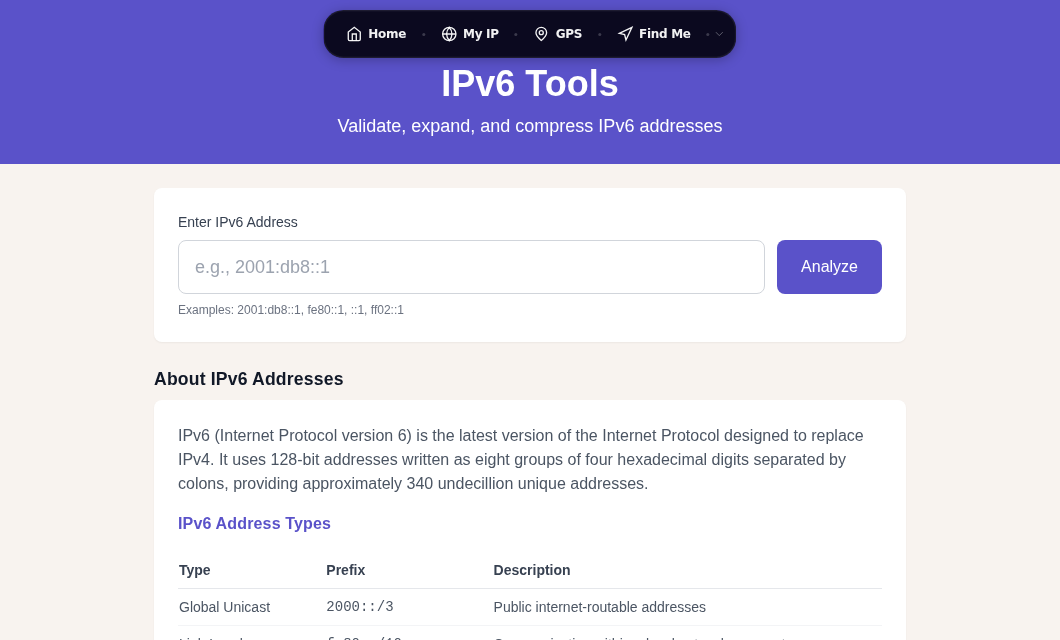
How to Find Your IPv6 Address
Online tool (fastest)
Load whatismylocation.org/my-ip in your browser. It detects and displays both your IPv4 and IPv6 addresses, your ISP, and your approximate location in one page. This method works on every device without opening any settings menu.
Windows
Open a Command Prompt (Win + R, type cmd, press Enter), then run:
ipconfig /allLook for the line labeled IPv6 Address under your active network adapter. You will typically see two entries:
- A link-local address starting with
fe80::, used only on your local network. - A global address starting with
2or3, which is publicly routable.
You may also see addresses labeled Temporary IPv6 Address. Those are the privacy-rotated addresses explained later in this post.
Alternatively, open Settings > Network and internet > Wi-Fi (or Ethernet) and click on your connection. The IPv6 address is listed in the connection properties section.
macOS
Open Terminal (Applications > Utilities > Terminal) and run:
ifconfig en0 | grep inet6Use en0 for Wi-Fi and en1 for Ethernet (though these can differ on your machine). Lines starting with inet6 show your addresses. Look for the one with scope global that does not begin with fe80, that is your publicly routable IPv6 address.
In System Settings: Apple menu > System Settings > Network > click your connection > Details > TCP/IP tab. The current IPv6 address is listed there.
Linux
ip -6 addr showEntries marked scope global are publicly routable. Entries marked scope link are link-local only. If you see temporary in the output, privacy extensions are active.
To check whether privacy extensions are enabled on a given interface:
sysctl net.ipv6.conf.eth0.use_tempaddrA value of 2 means temporary addresses are generated and preferred for outgoing connections. Many Linux distributions still ship with a default of 0 (disabled), so you may want to set it explicitly.
iPhone
Apple does not surface a dedicated IPv6 field on iOS. You can try Settings > Wi-Fi > tap the (i) next to your connected network and scroll down, but the field is not consistently present across iOS versions. The reliable method is to open Safari and load whatismylocation.org/my-ip; the tool detects your IPv6 directly from the connection your phone is using at that moment.
Android
Settings paths vary by manufacturer, but on stock Android go to Settings > Network and internet > Internet > tap the gear icon next to your connected Wi-Fi network > scroll down to see IPv6 addresses. On Samsung devices look under Connections > Wi-Fi > tap the network name.
Again, the simplest cross-device method is loading whatismylocation.org/my-ip in any browser.
Reading an IPv6 Address
A full IPv6 address is 128 bits written as eight groups of four hexadecimal digits separated by colons:
2001:0db8:85a3:0000:0000:8a2e:0370:7334Two shortening rules make these manageable:
Drop leading zeros within each group: 0db8 becomes db8, 0000 becomes 0.
Collapse one consecutive run of all-zero groups with :: (only once per address):
2001:db8:85a3:0:0:8a2e:370:7334 becomes 2001:db8:85a3::8a2e:370:7334
Both forms refer to exactly the same address.
IPv6 vs IPv4: Key Differences
| Feature | IPv4 | IPv6 |
|---|---|---|
| Address length | 32 bits | 128 bits |
| Format | Dotted decimal (192.0.2.1) | Hex colon notation |
| Total addresses | ~4.3 billion | ~340 undecillion |
| Header size | 20-60 bytes (variable) | 40 bytes (fixed) |
| NAT required? | Yes, typically | No |
| Auto-configuration | DHCP | SLAAC or DHCPv6 |
For a deeper comparison without the networking jargon, see IPv4 vs IPv6 Explained Without the Jargon.
Address Types You Will See
Global Unicast Addresses (GUA): Start with 2 or 3. These are publicly routable, the IPv6 equivalent of a public IPv4 address. When someone asks for your IPv6 address, this is what they mean.
Link-Local Addresses: Always start with fe80::. Automatically assigned to every IPv6-enabled interface. They only work within your local network segment and never cross a router.
Unique Local Addresses (ULA): Range fc00:: through fdff::. Roughly equivalent to IPv4 private ranges like 192.168.x.x. Not routable on the public internet.
Loopback: ::1 is the IPv6 equivalent of 127.0.0.1, referring to the device itself.
Privacy and Temporary Addresses
This is the part most guides skip. An IPv6 address is potentially more trackable than a dynamic IPv4 address because your device generates its own address and keeps it stable.
Early IPv6 used EUI-64, which embedded your device's MAC address directly into the IPv6 address. That was a significant privacy problem: anyone who saw your IPv6 address could identify your device's hardware and track it across networks. Modern operating systems have moved away from EUI-64 by default (RFC 8064 replaced it with opaque, non-MAC-derived stable identifiers), but the concern about address stability remains.
The current answer is IPv6 Privacy Extensions (RFC 8981, which obsoletes RFC 4941). Instead of only using your stable address for outgoing connections, your device also generates a randomized temporary address that it prefers for new connections. That temporary address has a preferred lifetime of one day and a valid lifetime of two days, then a new random one takes its place. Your stable address remains, but external sites mostly see the temporary one.
Who has this on by default:
- Windows: enabled by default (you can see the temporary addresses in
ipconfig /all) - macOS: enabled by default
- iOS: enabled by default
- Android 8.0 and later: enabled by default
Linux: defaults vary by distribution. Check and enable with:
# Check status (2 = preferred, 1 = generated but not preferred, 0 = off)
sysctl net.ipv6.conf.all.use_tempaddr

# Enable and prefer temporary addresses
sudo sysctl -w net.ipv6.conf.all.use_tempaddr=2
To make the setting persist across reboots, add net.ipv6.conf.all.use_tempaddr=2 to a file in /etc/sysctl.d/.
In my testing, even with privacy extensions on, a VPN check tool can still correlate your traffic if your ISP or the VPN itself leaks IPv6. Always test with a VPN Leak Test after connecting to a VPN.
For stronger protection: A VPN that tunnels IPv6 replaces your real IPv6 address entirely rather than just rotating it. NordVPN blocks IPv6 leaks by default and routes all IPv6 traffic through its servers. See also: Is My VPN Working?
To see what your current connection exposes beyond your IP, try our Browser Fingerprint tool, which shows what sites can infer about your device even without knowing your IP.
IPv6 Connectivity and Adoption
Many ISPs now provide dual-stack connectivity, meaning your connection uses both IPv4 and IPv6 simultaneously. Your device picks the protocol automatically for each connection, preferring IPv6 when available through a mechanism called Happy Eyeballs.
As of early 2026, global IPv6 access crossed 50% for the first time, a significant milestone roughly 18 years after the protocol became a standard. However, adoption is uneven: France and India lead at over 70%, while several European countries remain below 20%. Mobile carriers typically deploy IPv6 earlier than residential broadband in the same market, because mobile networks face acute IPv4 scarcity.
If you are unsure whether your ISP supports IPv6, the My IP Address tool will tell you immediately. You can also check our IPv6 Tools page for more detailed connectivity diagnostics.
If you want to understand how geolocation works on top of either address version, IP Geolocation Accuracy covers how accurate those lookups actually are and why they sometimes show the wrong city.
Common Questions
How do I know if my ISP supports IPv6?
Load our My IP Address tool. If it shows an IPv6 address, your ISP is routing IPv6. If it only shows an IPv4 address, your ISP has not yet enabled it on your account or your router has IPv6 disabled. Many routers have an IPv6 toggle in the WAN settings that is off by default.
Why does my IPv6 address change every day?
This is expected behavior. IPv6 Privacy Extensions (RFC 8981) cause your device to generate a new temporary address roughly every 24 hours and stop using the old one after 48 hours. The address your router assigned you is your stable address, and it stays the same, but outgoing connections prefer the rotating temporary one. You can see both in ipconfig /all on Windows or ip -6 addr show on Linux.
Can websites track me using my IPv6 address?
More easily than with a shared IPv4 address, because your IPv6 address is globally unique rather than shared across dozens of users behind a router. Privacy extensions help by rotating the temporary address daily, but your stable address still exists. A VPN is the most reliable way to prevent tracking by IP.
Does having an IPv6 address mean I am less secure?
Not inherently. IPv6 eliminates NAT, which some people treat as an accidental firewall. Without NAT, your device has a globally routable address, which means a host-based firewall matters more than it did with IPv4. Windows, macOS, and Linux all enable their firewalls to block unsolicited inbound IPv6 connections by default. The security risk is not IPv6 itself but misconfigured firewalls or VPNs that leak your real IPv6 while tunneling only IPv4.
Sources
- https://www.rfc-editor.org/rfc/rfc8981.html
- https://pulse.internetsociety.org/en/blog/2026/04/18-years-later-ipv6-reaches-majority/
- https://blog.apnic.net/2026/04/28/google-hits-50-ipv6/
- https://support.apple.com/guide/mac-help/use-ipv6-on-mac-mchlp2499/mac
- https://oneuptime.com/blog/post/2026-03-20-slaac-privacy-extensions/view
- https://labs.ripe.net/author/johanna_ullrich/ipv6-addresses-security-and-privacy/

WhatIsMyLocation Team
Our team of network engineers and web developers builds and maintains 25+ free networking and location tools used by thousands of users every month. Every article is reviewed for technical accuracy using real-world testing with our own tools.
Related Articles
Try Our Location Tools
Find your IP address, GPS coordinates, and more with our free tools.